

Google Ads Preview — Pixel-Accurate Responsive Search Ad Simulator

Enter your Responsive Search Ad headlines and descriptions to see a pixel-accurate Google SERP mockup. The simulator measures real rendered width — not an average — so you can see exactly when a third headline would be dropped on desktop.

Primary text

Live preview

Headline 10 / 30
Headline 20 / 30
Headline 30 / 30
Description0 / 90
Final URL
Path 1
Path 2

Google

Live preview

Fits

Live preview

Sponsored

PostTruncateposttruncate.com

Your headline

Add a short description

Google Responsive Search Ads character limits

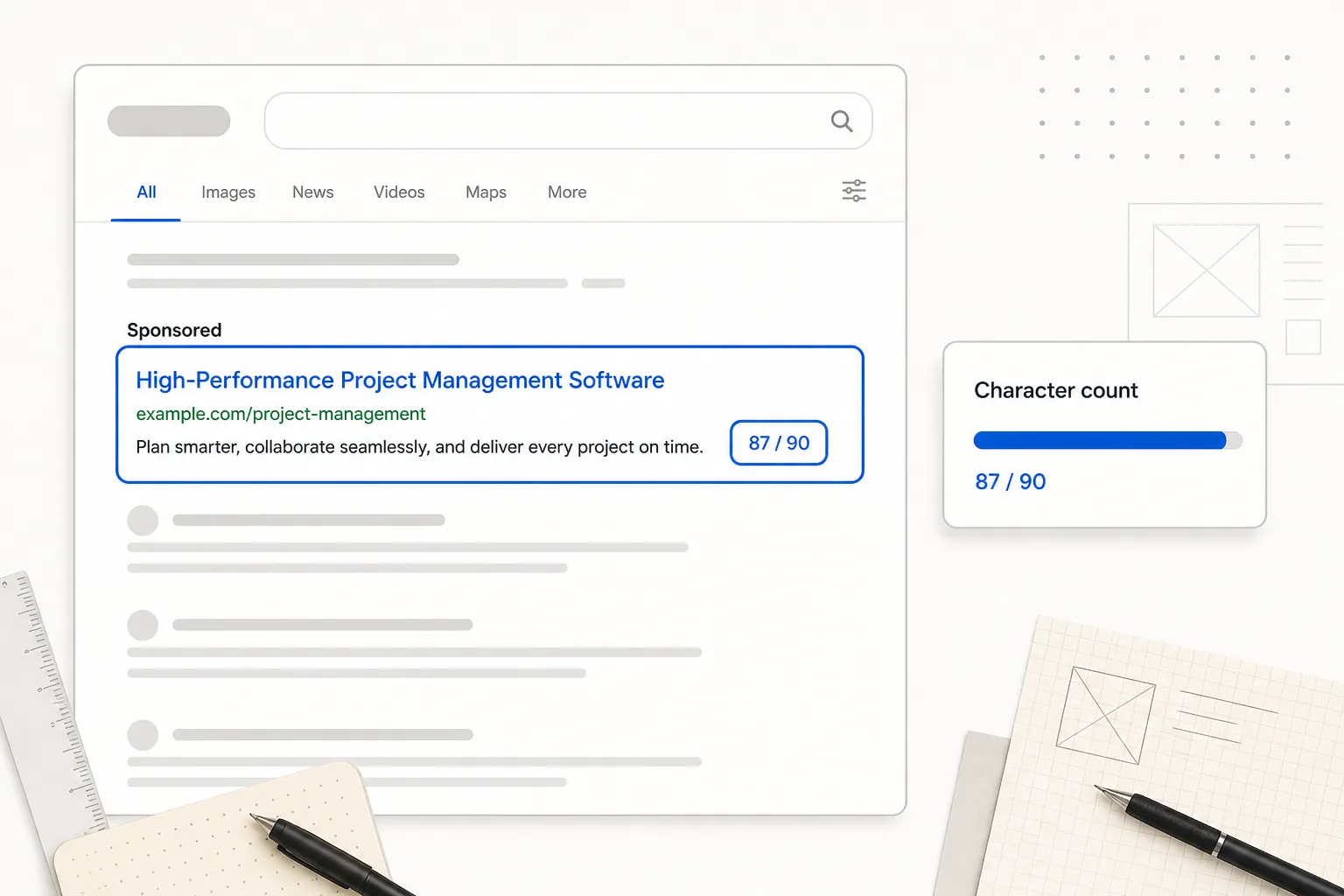
Responsive Search Ads (RSA) have firm character caps: each headline is limited to 30 characters and each description to 90 characters. Google mixes and matches your headlines and descriptions automatically, showing up to three headlines and two descriptions at once. The counters in the simulator above enforce these caps as you type, so a clamped field is impossible to miss.

Why pixel width matters more than character count

The 30-character cap is only half the story. Google renders headlines in a row separated by vertical bars, and the desktop ad slot is roughly a 600px-wide container. Three headlines that each pass the 30-character check can still overflow that width — in which case Google drops the trailing headline rather than wrapping it. This tool measures each headline by its true rendered pixel width using an HTML5 canvas, exactly the way a browser paints Arial, instead of guessing with an average-character estimate. That means the preview drops Headline 3 at the same point Google would.

Writing headlines that survive

Front-load the headlines that must always appear, and pin them to positions 1 and 2 in Google Ads if they are non-negotiable. Keep wide characters (capital letters, "W" and "M") in mind — a 28-character all-caps headline can be physically wider than a 30-character lowercase one. The live pixel meter shows the difference instantly.

Preview privately, then publish

Every measurement happens in your browser; nothing is uploaded. Draft your RSA assets here, confirm that your most important headlines clear the pixel container on desktop, and paste the finished copy into Google Ads with confidence that nothing important silently disappears.

FAQs

What are the Google RSA character limits?

Each headline is capped at 30 characters and each description at 90 characters. You can supply up to 15 headlines and 4 descriptions; Google rotates combinations automatically.

Why does my headline get dropped even though it is under 30 characters?

Google shows headlines in a fixed-width container (~600px on desktop). If the combined rendered width of your headlines exceeds it, the trailing headline is dropped. Wide characters take more pixels than the character count suggests.

How is this preview pixel-accurate?

It measures text with an HTML5 canvas measureText engine in Arial, the same way a browser paints the SERP, instead of using an averaged character width. So truncation matches what Google actually renders.

Is my ad data sent anywhere?

No. All measurement and preview rendering happens locally in your browser. Nothing is uploaded or stored.

Last updated: June 18, 2026

Ready to see how your post really looks?

Paste your draft into the PostTruncate editor and instantly see live previews across LinkedIn, X, Instagram, Facebook, Threads, and TikTok — with fold lines, thread splits, and limit warnings updating as you type. Free, instant, and nothing ever leaves your browser.

Start writing — it's free