Check your Threads post before you publish — the counter below tracks the 500-character limit live and auto-chains anything longer into numbered reply posts.
Everything below updates instantly and stays on your device.
Characters: 0 · Words: 0
Preview only — never uploaded or stored. Clears on reload.
Real-time analysis is on
Above-the-fold check
Add text to see what survives the fold.
Post & chain preview
Flesch Reading Ease
Overuse monitor
Start typing to see your most-used keywords and their density.
Threads gives you 500 characters per post — almost twice the 280-character limit on X/Twitter. That extra room changes how you write. You have enough space to make an argument with supporting detail, share a short story with a proper arc, or pose a question with context that earns a thoughtful reply. You don't have to cut the nuance.
PostTruncate's Threads character counter updates in real time as you type, showing your current count against the 500-character ceiling with a colour-coded indicator that turns amber near the limit and red the moment you exceed it. No more pasting into the app only to discover you're 12 characters over.
This is where Threads diverges most sharply from X in a way that catches writers off guard. On X, every URL you paste is wrapped by the t.co shortener and counts as a flat 23 characters, regardless of how long the actual link is. On Threads, links count at their full character length.
Paste a 75-character URL into a Threads post and you've used 75 of your 500 characters — not 23. Add two links and you might have burned through 150 characters before writing a single word of content. Writers who habitually draft on X and then copy to Threads are regularly surprised by posts that look fine in one editor and overflow in the other.
PostTruncate applies the correct per-platform link counting logic. Switch between platforms in the editor and the character count updates to reflect the actual rules of each network, not a generic approximation.
When a piece of writing exceeds 500 characters, Threads doesn't block you from posting — it lets you chain posts together as a reply sequence. Post 1 appears in the feed; Posts 2, 3, and beyond appear as threaded replies visible to anyone who taps into the chain. This works well for structured content: a numbered argument, a how-to guide, or a story told in stages.
The critical constraint is that the first post carries all the feed impression weight. Posts 2 through N are only visible to users who specifically engage with Post 1. If your hook is buried in Post 3, most of your audience will never see it. Every chain should be written so that Post 1 stands completely alone as a compelling statement — the rest of the chain rewards readers who want more, not readers who need it to understand the first post.
PostTruncate's chain splitter divides your full draft into 500-character segments automatically, numbering each post and breaking at sentence boundaries where possible. You can review every post in the chain before copying them to Threads.
Threads rewards conversational, direct writing over polished broadcast copy. The platform's reply culture means strong posts generate reply chains of their own — your first post doesn't just need to say something, it needs to invite a response. Ending the first post with a genuine question or a stated opinion that readers can push back on is consistently more effective than ending with a call to action.
Use PostTruncate to draft, count, chain, and optimise your Threads posts before you publish — all without toggling between apps.
Each Threads post is capped at 500 characters. Need more room? Chain additional posts together — the tool above splits overflow into numbered replies automatically.
Yes. Unlike X, which collapses every link to 23 characters, Threads counts the full visible URL against your 500. A long link can eat a big chunk of your budget, so shorten it first.
Add it as a chained reply under your original post. Paste your full draft into the editor above and it breaks the text into 500-character segments at natural sentence boundaries.
Yes — emojis, spaces, and line breaks all count. Threads gives you less room than it looks, so the live counter keeps you from getting cut off mid-thought.

11 min read
Threads enforces a strict 5-link maximum per post. Here's what triggers the error, who it hurts most, and exactly how to work around it.
Read article →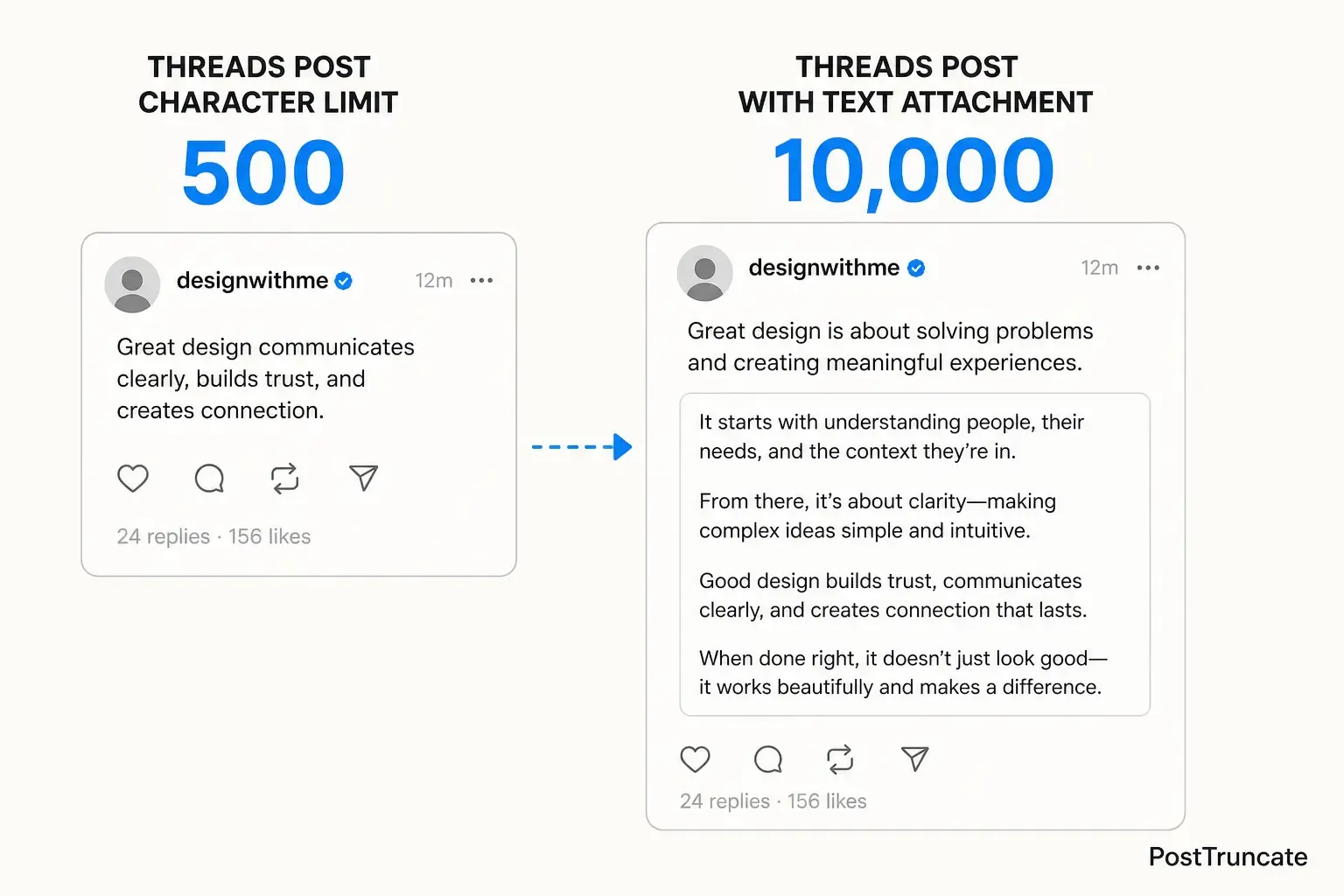
9 min read
Threads evolved from short-form to micro-blogging. Learn when to use 500-character feed posts vs 10,000-character text attachments-and the strategic tool every creator needs
Read article →Last updated: May 28, 2026