



Your Name• 3rd
Founder & CEO
11h
Your post’s opening lines appear here…
1,200
89 comments17 reposts
LikeCommentRepostSend
Check your LinkedIn post before you publish — the editor below tracks the 3000-character limit live and shows exactly where the desktop and mobile “see more” folds cut your text.
Everything below updates instantly and stays on your device.
Characters: 0 · Words: 0
Preview only — never uploaded or stored. Clears on reload.
Real-time analysis is on
Above-the-fold check
Add text to see what survives the fold.
Hook zone preview
Founder & CEO
11h
Your whole post fits above LinkedIn’s Desktop fold — no "…see more" truncation.
Flesch Reading Ease
Overuse monitor
Start typing to see your most-used keywords and their density.
LinkedIn allows up to 3000 characters per post — significantly more room than Twitter but with its own hidden constraints that trip up even experienced creators. The hard limit is generous enough for a detailed case study, a numbered list, or a short opinion piece, but the real writing challenge isn't the ceiling: it's the two fold points that determine whether anyone reads past the first sentence.
PostTruncate's LinkedIn character counter tracks your total in real time, colour-coding the display so you always know how much runway remains before LinkedIn stops accepting input.
This is the detail that separates LinkedIn veterans from everyone else. LinkedIn doesn't have one fold — it has two, and they sit at very different character counts depending on the device your audience is using.
On desktop, LinkedIn shows roughly 210 characters of a post before replacing the rest with a "…see more" link. On mobile, that window shrinks to approximately 140 characters — barely a sentence and a half. The user taps "see more" only if what they've already read compels them to.
Why does the difference matter? Because the majority of LinkedIn's active users browse on mobile. A post that hooks brilliantly at character 180 will perform well for desktop readers and fail completely for the mobile audience — which is most of your reach. Writing for both folds means your opening line has to carry the full weight of the post's value proposition within the first 140 characters, while the next 70 characters (before the desktop fold) can add a second layer of context.
PostTruncate renders both fold markers live as you type, so you can see in real time exactly which words fall inside the mobile window, which are visible only on desktop, and what disappears behind "see more" on both devices. Adjust your opening until the hook works at 140 characters without relying on the desktop margin.
The LinkedIn algorithm uses dwell time and early engagement (likes and comments in the first hour) as primary ranking signals. Both depend on whether the opening line stops the scroll. Front-loading means putting your most specific, most surprising, or most useful statement first — not as a preamble, not after context-setting, but as the literal first sentence.
Weak openings ("I want to share something I've been thinking about…") burn your 140-character mobile window on throat-clearing. Strong openings ("We cut our onboarding drop-off by 40% by removing one field from the sign-up form") use every character to earn the next tap.
Use PostTruncate to draft your post, watch the mobile fold marker, rewrite the opening until it delivers a complete, compelling reason to read more — then publish with confidence.
A LinkedIn text post — or the caption on an image or video post — is capped at 3000 characters. The counter above tracks every character so you always know how much room is left.
The feed collapses your post after roughly 210 characters on desktop and about 140 on mobile. Anything past that hides behind "see more," so put your hook in the first line or two before either fold.
Yes, both count toward the 3000 characters and appear in the body. Mentions also notify the tagged person, so use them deliberately rather than as a way to add length.
Pasting from some editors collapses blank lines, and LinkedIn strips certain formatting. The preview above shows how your spacing actually renders, so a wall of text does not slip through by accident.

16 min read
The LinkedIn 'See more' cutoff kills engagement before your hook lands. Here's the exact character limits for desktop, mobile, and comments - and how to survive the fold.
Read article →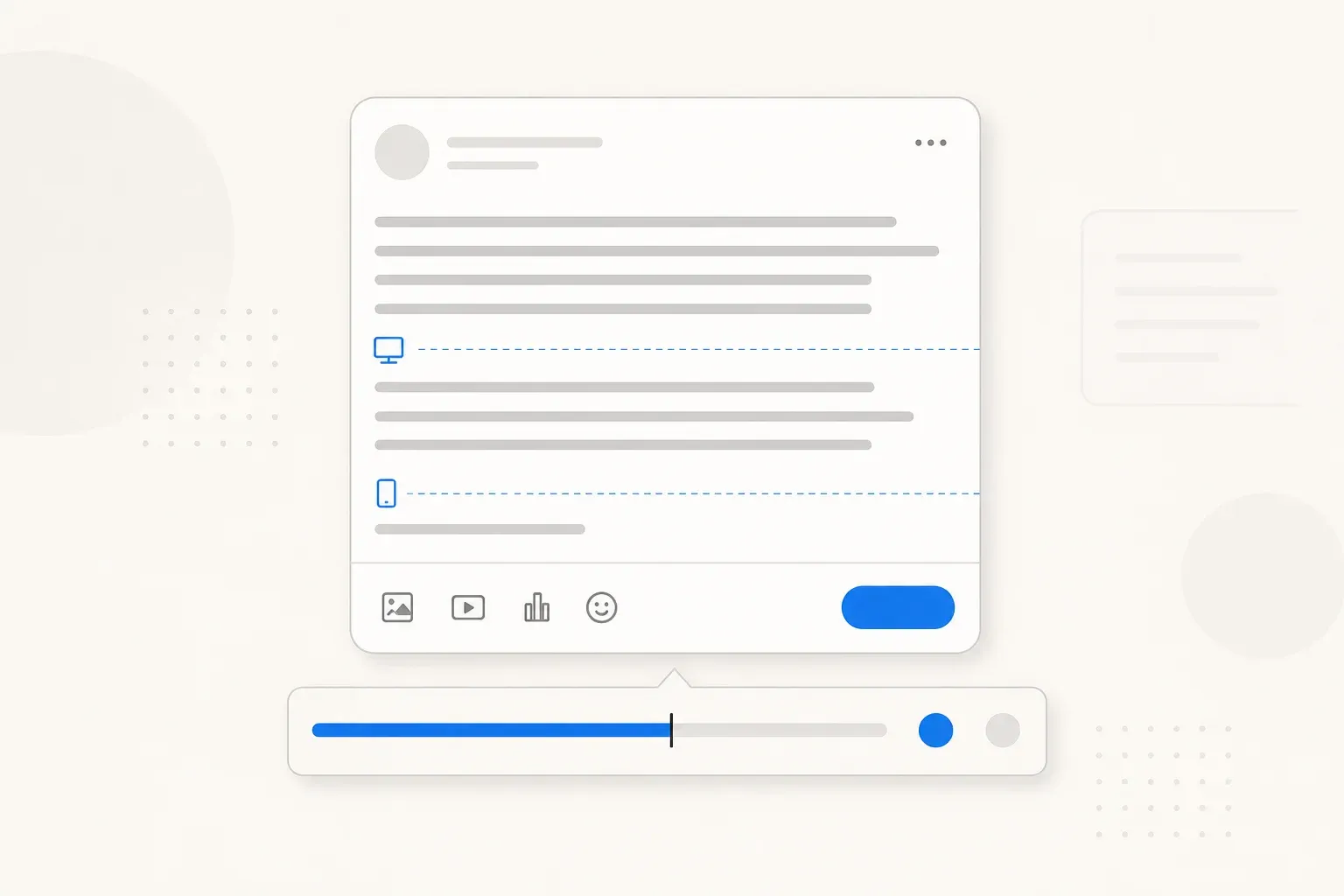
13 min read
Complete guide to every LinkedIn character limit in 2026 - posts (3,000), profiles (220 headline, 2,600 about), comments, articles, company pages, and job postings.
Read article →Last updated: May 25, 2026