



Your Name
Promoted
Write your primary text…
Your headline
Learn MoreLikeCommentRepostSend
Paste your intro text, headline, and description below to see a pixel-accurate LinkedIn Sponsored Content mockup. The preview applies LinkedIn's real "…more" fold around 150 characters and shows how your headline and description behave on mobile versus desktop.
Compose your ad
Previewed in your browser only — never uploaded or stored.
Live preview
Your Name
Promoted
Write your primary text…
Your headline
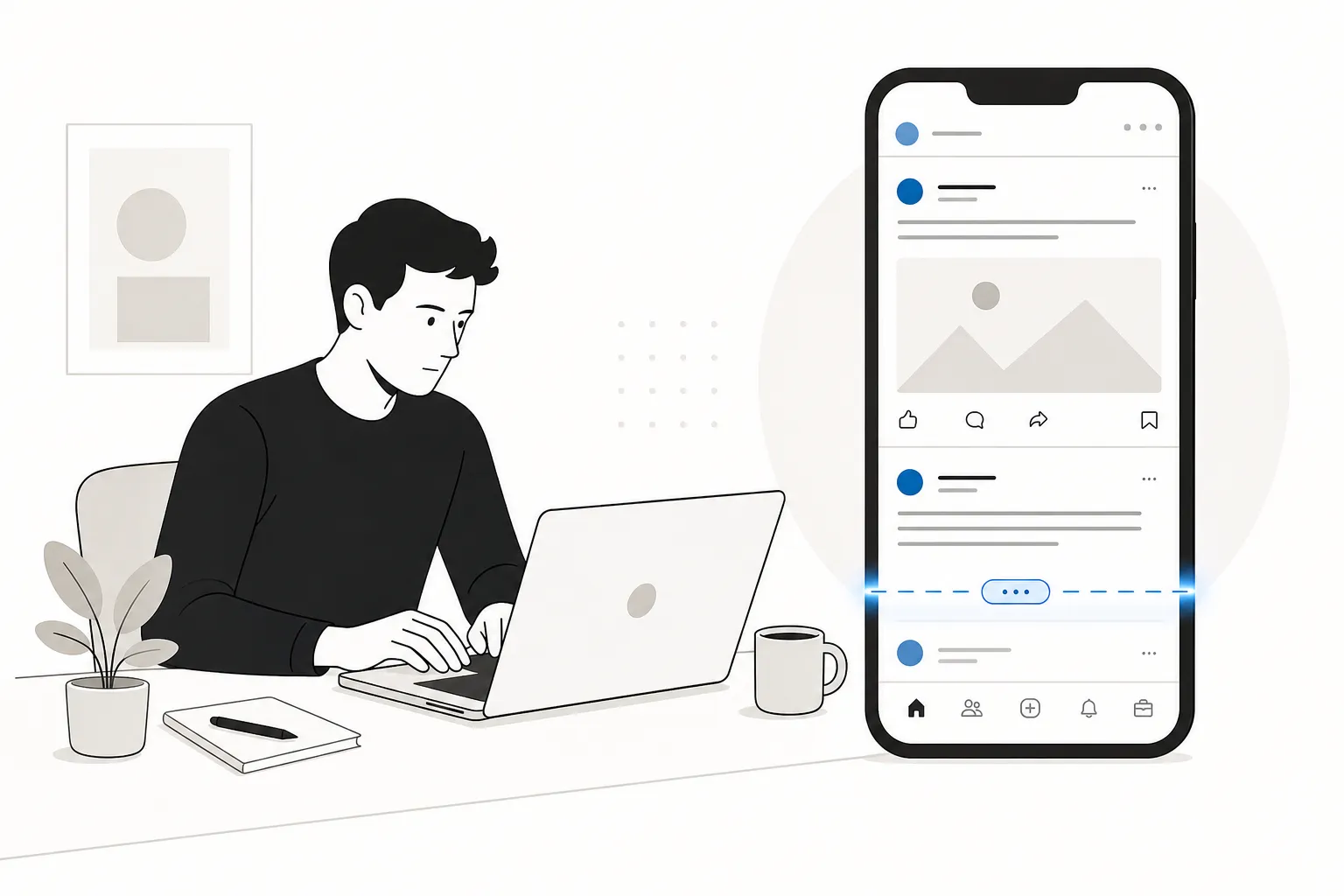
Learn MoreLinkedIn lets you type a great deal — the intro text accepts up to 3,000 characters — but what trips advertisers up is the fold. In the feed, your intro text is collapsed behind an inline "…more" at roughly 150 characters, and everything after it stays hidden unless the viewer expands it. Most never do. The simulator above shows that fold live, so you can guarantee your hook and value proposition land before "…more".
The headline is the bold line on the link card beneath your image. LinkedIn accepts up to 200 characters, but keep it under 70 so it never truncates on the card. The description accepts up to 300 characters and reads best under 100; it surfaces mainly on desktop and across the LinkedIn Audience Network, so treat it as supporting copy rather than a place for anything critical.
Most LinkedIn members scroll the feed on their phones, and mobile is less forgiving: the narrower column folds the intro text a little earlier, and the link-card description is dropped. Toggle the preview between Mobile and Desktop to confirm your ad reads cleanly on the small screen, where the majority of impressions happen.
Rewriting an ad after it has entered review wastes time and can reset its learning. Checking the fold in advance means your strongest copy is never buried behind "…more," your headline never clips, and your call to action stays visible. Because PostTruncate runs entirely in your browser, nothing you paste is uploaded or stored — type your draft, watch the fold in real time, and copy the final version straight into Campaign Manager.
You can enter up to 3,000 characters, but the feed folds the intro behind "…more" at roughly 150 characters (a little earlier on mobile). Keep your hook and core message before that point so it shows without a click.
The hard cap is 200 characters, but keep it under 70 so the headline never truncates on the link card across placements.
No. The description (up to 300 characters, best under 100) surfaces mainly on desktop and the LinkedIn Audience Network, and is often dropped on the mobile feed card. Treat it as supporting copy.
No. The preview runs entirely in your browser. Nothing you type or any image you attach is sent to a server or stored.
16 min read
The LinkedIn 'See more' cutoff kills engagement before your hook lands. Here's the exact character limits for desktop, mobile, and comments - and how to survive the fold.
Read article →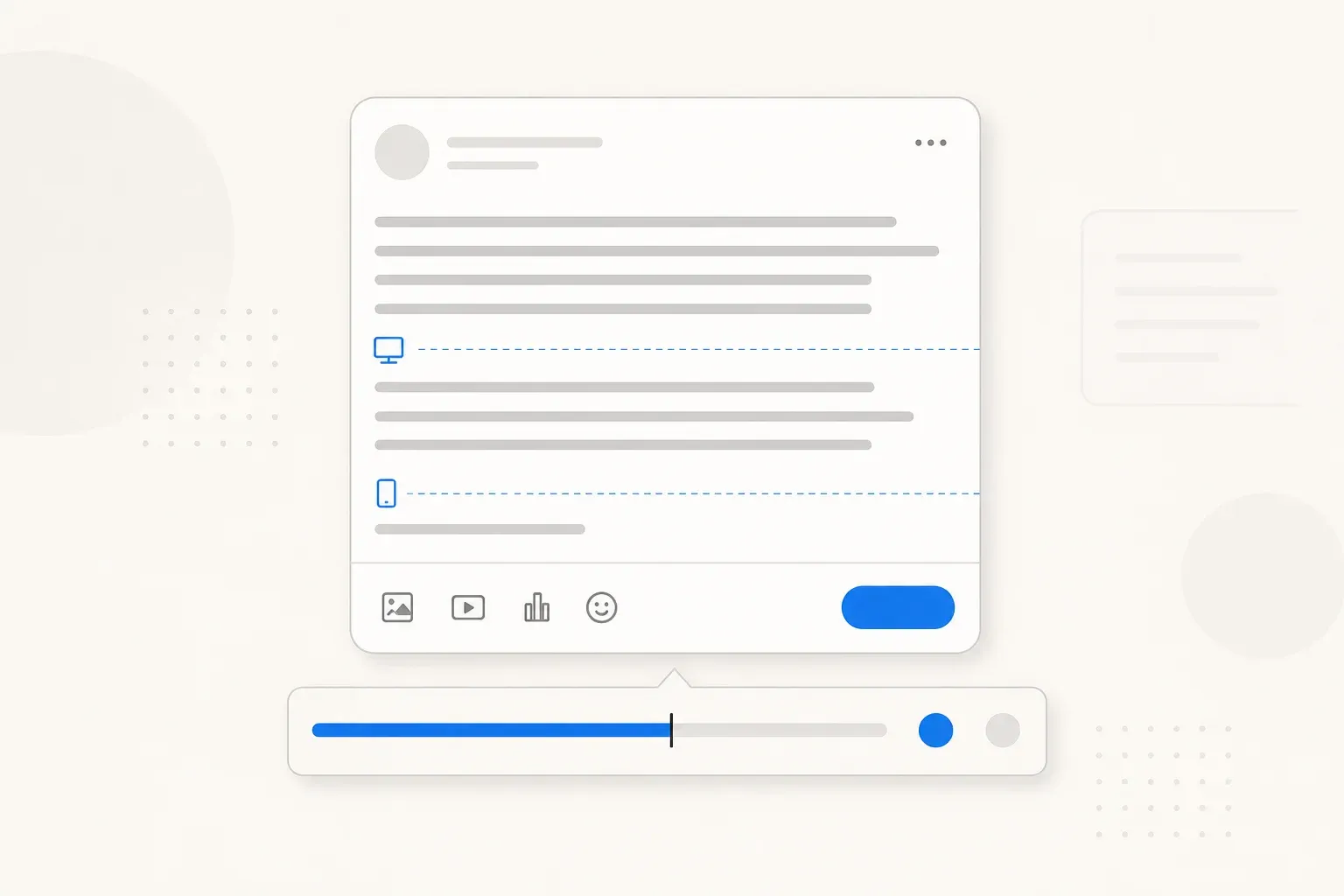
13 min read
Complete guide to every LinkedIn character limit in 2026 - posts (3,000), profiles (220 headline, 2,600 about), comments, articles, company pages, and job postings.
Read article →Last updated: June 28, 2026