



Your Name
Sponsored
Write your primary text…
posttruncate.com
Your headline
LikeCommentShare
Paste your primary text, headline, and description below to see a pixel-accurate Facebook Feed ad mockup. The preview applies Facebook's real 125-character "See More" truncation and shows how your headline behaves on mobile versus desktop.
Compose your ad
Previewed in your browser only — never uploaded or stored.
Live preview
Your Name
Sponsored
Write your primary text…
posttruncate.com
Your headline
Facebook does not publish a single hard "ad limit" — what trips up advertisers is truncation. On the Facebook Feed, your primary text is cut off at roughly 125 characters, after which the platform appends an unclickable "… See More". Everything past that point is hidden unless the viewer taps to expand, and most never do. The simulator above shows that cutoff live, so you can guarantee your hook and value proposition land above the fold.
The headline is the bold line beneath your creative. Facebook recommends keeping it short, and on mobile a headline longer than about 40 characters gets squeezed or wraps awkwardly; under 27 characters is the safest zone for full visibility across placements. The link description caps around 30 characters and is frequently dropped entirely when the headline is long or the placement is narrow — never put critical information there.
The overwhelming majority of Facebook ad impressions are mobile, and mobile is far less forgiving: less horizontal room, earlier truncation, and a higher chance the description disappears. Toggle the preview between Mobile and Desktop to confirm your ad reads cleanly on the placement that matters most — the small screen.
Rewriting an ad after it has entered review wastes time and can reset its learning phase. Checking truncation in advance means your strongest copy is never buried behind "See More," your headline never clips, and your call to action stays visible. Because PostTruncate runs entirely in your browser, nothing you paste is uploaded or stored — type your draft, watch the cutoff in real time, and copy the final version straight into Ads Manager.
There is no hard cap, but the Feed truncates primary text at about 125 characters with a "… See More" link. Keep your hook and core message before that point so it shows without a tap.
Technically up to 40 characters display cleanly on most placements, but under 27 characters is safest on mobile, where longer headlines get squeezed or wrapped.
No. The ~30-character link description is often dropped on mobile or when the headline is long. Treat it as optional and never place essential information there.
No. The preview runs entirely in your browser. Nothing you type or any image you attach is sent to a server or stored.
12 min read
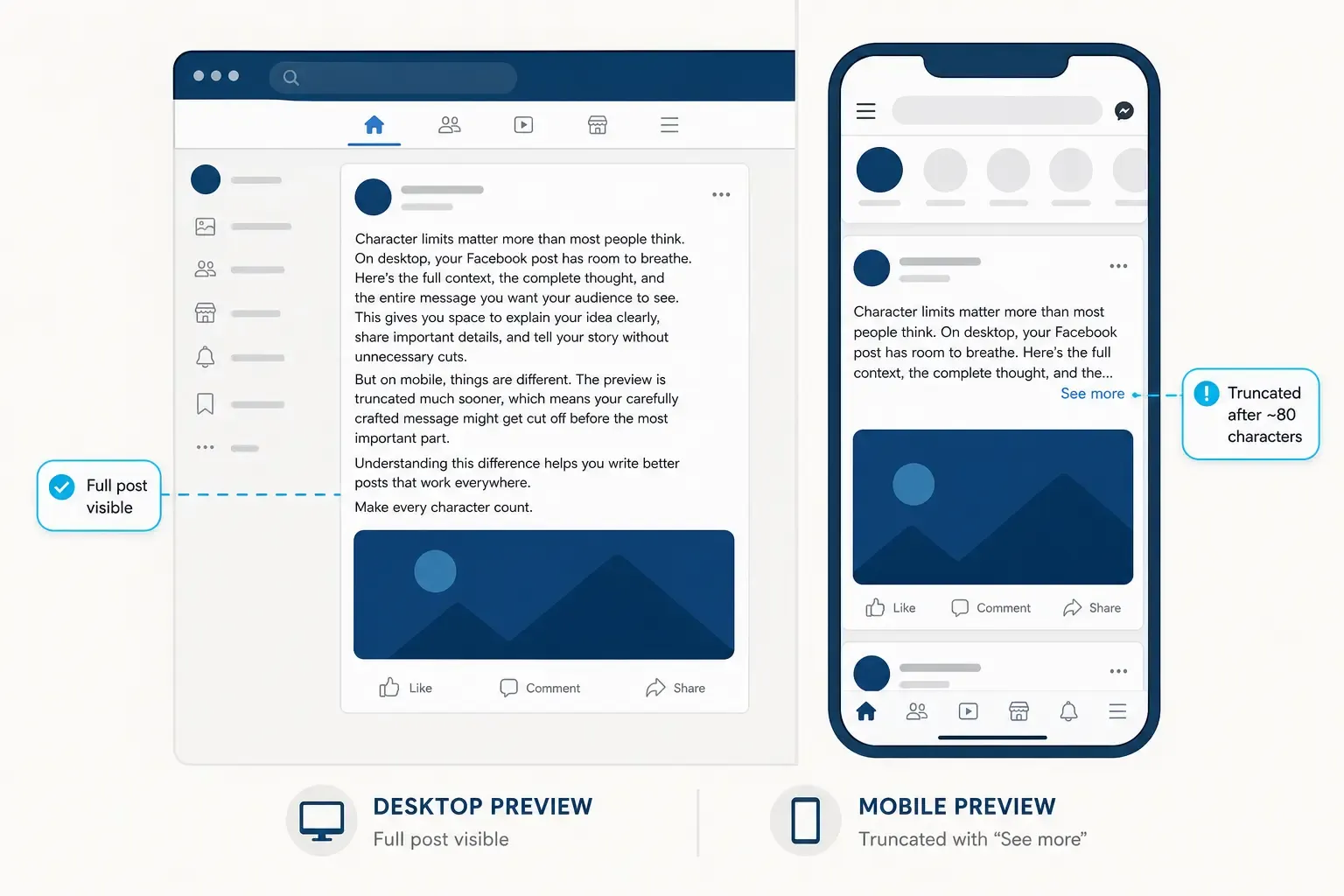
Facebook post character limits explained: 80-char engagement peak, 110-char mobile fold, 480-char desktop fold. Write posts that get seen on every device.
Read article →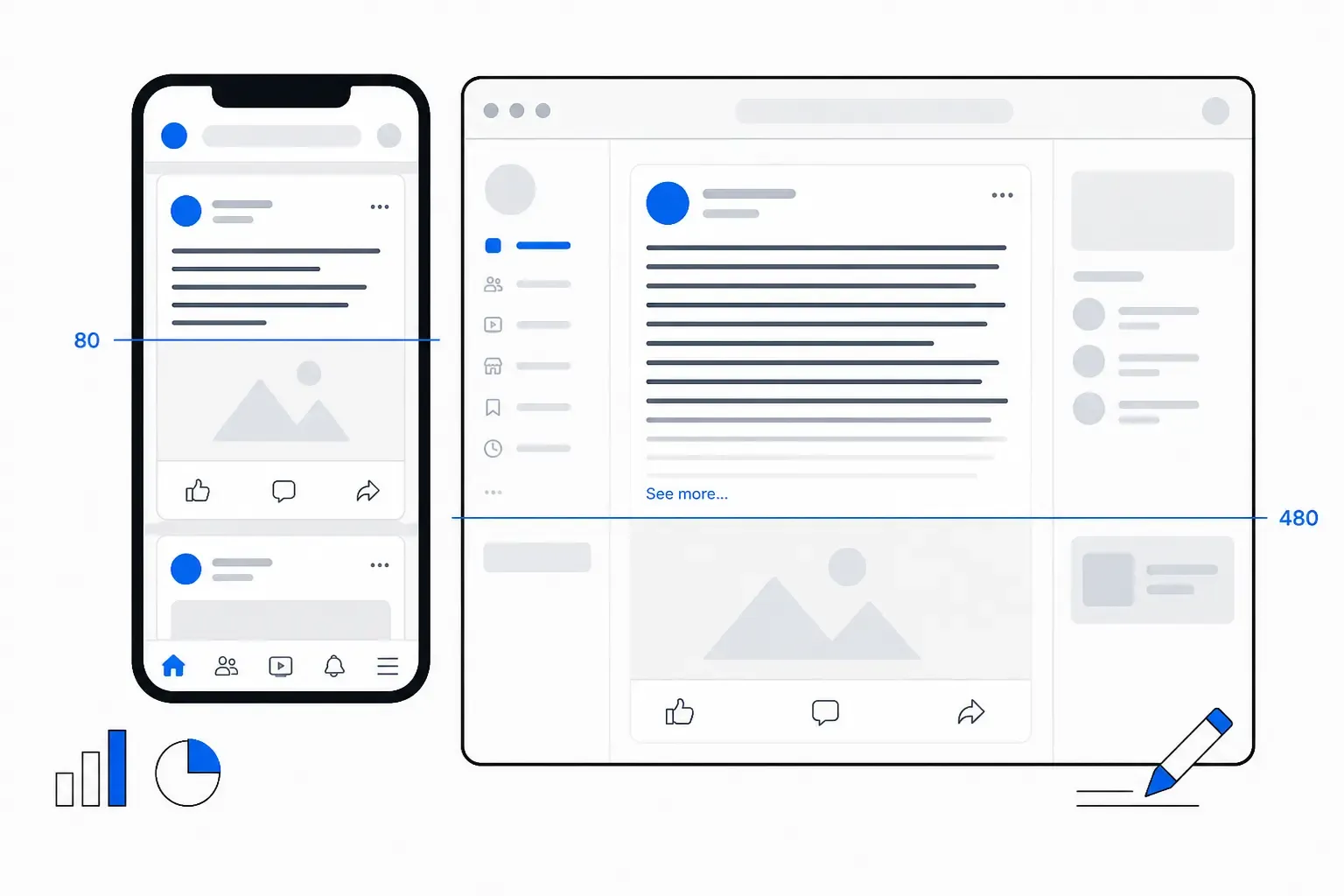
13 min read
Master Facebook in 2026: character limits by post type, how the feed fold works, and what actually drives reach - without paying for ads.
Read article →Last updated: June 18, 2026