



Your Name• 3rd
Founder & CEO
11h
Your post’s opening lines appear here…
1,200
89 comments17 reposts
LikeCommentRepostSend
See the fold. Stop guessing. Write once and watch your post render in native LinkedIn, X, TikTok, Threads, Instagram, and Facebook previews — with fold lines, thread splits, hashtag limits, and accessibility warnings live as you type, plus one-tap AI to improve your post on the spot.
100% free — no sign-up · Text never leaves your browser · 10+ platform limits covered
Everything below updates instantly and stays on your device.
Characters: 0 · Words: 0
Preview only — never uploaded or stored. Clears on reload.
Real-time analysis is on
Hook zone preview
Founder & CEO
11h
Your whole post fits above LinkedIn’s Desktop fold — no "…see more" truncation.
Add text to see what survives the fold.
Add text to see what survives the fold.
Add text to see what survives the fold.
Add text to see what survives the fold.
Add text to see what survives the fold.
Add text to see what survives the fold.
Flesch Reading Ease
Overuse monitor
Start typing to see your most-used keywords and their density.
Paste or type your content into the editor.
We check character count, truncation points, and platform limits in real-time.
See exactly how it will appear and post without worrying about cut-off text.
WHY POSTTRUNCATE?
Every platform has different character limits and truncation rules. PostTruncate shows you exactly how your content will appear before you hit publish.
Save time, increase engagement, and make every character count with real-time previews, smart insights, and one-tap AI tone rewriting.
See exactly how your post will appear across 6+ platforms instantly.
Get readability scores, keyword analysis, and content optimization tips.
Your content is never stored or shared. Everything stays private.
Instantly rewrite your post in a professional, casual, friendly, or concise tone with one tap — powered by AI.
HOW TRUNCATION WORKS
Each platform has unique character limits and display rules. When your content exceeds these limits, it gets truncated with "..." or "See more". PostTruncate simulates exactly how your post will appear after publishing.
Limits last verified: July 12, 2026
WHO IS IT FOR?
Whether you’re growing a brand, managing clients, or building your audience, PostTruncate helps you write better and post with confidence.
Optimize campaigns, ad copy, and social posts for maximum reach and engagement.
Drive more impactWrite better captions and threads that get more likes, shares, and saves.
Grow your audienceManage multiple clients and ensure every post is perfectly optimized.
Deliver consistent resultsShare updates and build your brand with clear, impactful content.
Build trust & visibilityPostTruncate is a free, browser-based character counter that works entirely on your device — no uploads, no accounts needed. Paste or type any text and you instantly see character count, word count, reading time, and letter distribution update as you write.
It’s built for anyone working with text under a limit: writers trimming an essay, marketers checking a headline, developers auditing a string. Because everything runs client-side, your drafts never leave your browser.
SMS has two encoding modes and most tools ignore the difference. PostTruncate detects automatically whether your message uses standard GSM-7 (160 characters per text) or Unicode (70 characters) — and the switch can happen the moment you type a single emoji or special character.
It also flags extended GSM characters — things like the Euro sign (€), square brackets, and the pipe symbol — which stay in GSM-7 mode but each consume two character slots instead of one. That hidden cost is why messages sometimes segment unexpectedly.
When your text spans multiple segments, the built-in segment calculator shows exactly how many texts your message will send, accounting for the User Data Header overhead that reduces per-segment limits to 153 characters (GSM) or 67 characters (Unicode).
SMS Character CounterX (Twitter) has two rules that catch people off guard: the 280-character limit, and the fact that every link — regardless of length — counts as exactly 23 characters. PostTruncate handles both, so the counter you see matches what X will actually report once the t.co wrapper is applied.
When your draft runs long, the built-in thread splitter breaks it into numbered posts at natural sentence boundaries — never mid-word. Each card shows its character count and position, so you can review the full split before you post.
X Thread Splitter & Character CounterInstagram caps captions at 2,200 characters, but only shows roughly the first 125 before hiding the rest behind a “more” link. PostTruncate tracks exactly where that cutoff falls so your opening line — the part visible in the feed — says what you actually need it to say.
The dashboard also monitors hashtag count in real time. Instagram allows up to 30 hashtags before a post fails to publish, but ~5 is the recommended sweet spot — more reads as spam — so the live meter warns past 5 and flags the 30 hard cap. Spaces are always counted, matching Instagram’s own behavior.
Instagram Caption Cutoff Previewer & CounterBeyond platform limits, PostTruncate also counts words, sentences, paragraphs, and symbols — all updating live as you type. It’s useful for SEO meta descriptions, documentation reviews, or any writing workflow where you need more than a raw character tally.
The dashboard handles multilingual text correctly, including CJK scripts where character count carries different semantic weight. Whether you’re writing in English, German, Japanese, or Chinese, the counts reflect what the target platform will actually see.
The editor includes a built-in tone rewriter that adjusts the voice of your post without changing its meaning. Choose from five tones — professional, casual, marketing, friendly, or concise — and it rewrites your entire draft while preserving the original length and structure. It's a real AI model doing the rewriting, not a fixed template.
The rewriter locks every hashtag, @mention, URL, and emoji exactly where you placed them, so links and tags never get moved or dropped. It works on drafts up to 3,000 characters — longer posts (like an extended Facebook caption) won't be rewritten in full. It's free to use, with each visitor limited to 3 rewrites per 12 hours.
Writing the hook
On every feed, the text above the fold does all the work. Open with a result, a tension, or a question — not a warm-up. Move links and hashtags below the fold, keep your opening under the platform’s cut-off, and let the preview confirm the hook survives before you publish.
Truncation is what happens when a platform cuts your post short — either hiding everything past a visual fold behind a "…see more" link, or rejecting characters beyond a hard limit. PostTruncate shows you exactly where each platform makes that cut, live, while you write, so the part that matters never disappears below the fold.
Feeds are built for scanning, so platforms collapse long posts to keep scrolling fast and fit more posts on screen. Each platform draws the line differently: LinkedIn folds at roughly 140–210 characters, Facebook at about 110–480 depending on device, Instagram at around 125, and X simply enforces a hard 280-character cap. Anything past the fold is only seen by people who actively tap "more" — which most readers never do.
PostTruncate previews LinkedIn, X (Twitter), TikTok, Threads, Instagram, Facebook, and SMS — with live character counts, fold markers, thread splitting, and SMS segment math for each. There is also a Google SERP preview for page titles and meta descriptions, and a free embeddable counter widget for your own site.
PostTruncate counts against each platform’s published and widely-observed limits — 280 for X, 210/140 for the LinkedIn fold, a recommended ~5 hashtags (30 hard cap) for Instagram, and a flat 23-character weight for links. Platforms occasionally adjust these, and rendering varies slightly by device, so treat the previews as a close estimate rather than a pixel-perfect guarantee.
PostTruncate counts by Unicode code points, so a simple emoji like 🙂 registers as one character. Many emoji are built from several joined code points — skin-tone variations, flags, and combined glyphs such as 👨👩👧 — and those register as two or more. The tool handles any script correctly, including CJK characters. Most platforms, X especially, also weight emoji more heavily than plain letters, so an emoji-heavy draft uses up a little more of your limit than the visible glyph count suggests.
No. The entire editor and every preview run locally in your browser — nothing is uploaded. Your text never leaves your device: there’s no account, no upload, and no server processing of your content.
Yes, completely free to use with no sign-up required and nothing to install. The tool is supported by unobtrusive ads placed in reserved spaces that never shift the layout while you’re working.
This happens because of a change in your text's encoding. Standard SMS uses GSM 7-bit encoding, which fits up to 160 characters in a single message. The moment your text includes a non-GSM character — an emoji, a regional script, or certain symbols — the entire message switches to Unicode, which holds only 70 characters per segment. If a Unicode message exceeds 70 characters, a multi-part header is added and the usable space per segment drops to 67 characters. PostTruncate shows your current encoding and segment count live, so you always know where the break happens.

16 min read
The LinkedIn 'See more' cutoff kills engagement before your hook lands. Here's the exact character limits for desktop, mobile, and comments - and how to survive the fold.
Read article →
18 min read
TikTok's in-feed ad CTA button injects into your organic layout and covers on-screen text. Here's the exact layout shift media buyers need to know.
Read article →
15 min read
TikTok Photo Mode drops white caption text directly on your images - no safe zone. Here's how to check your layout before you publish.
Read article →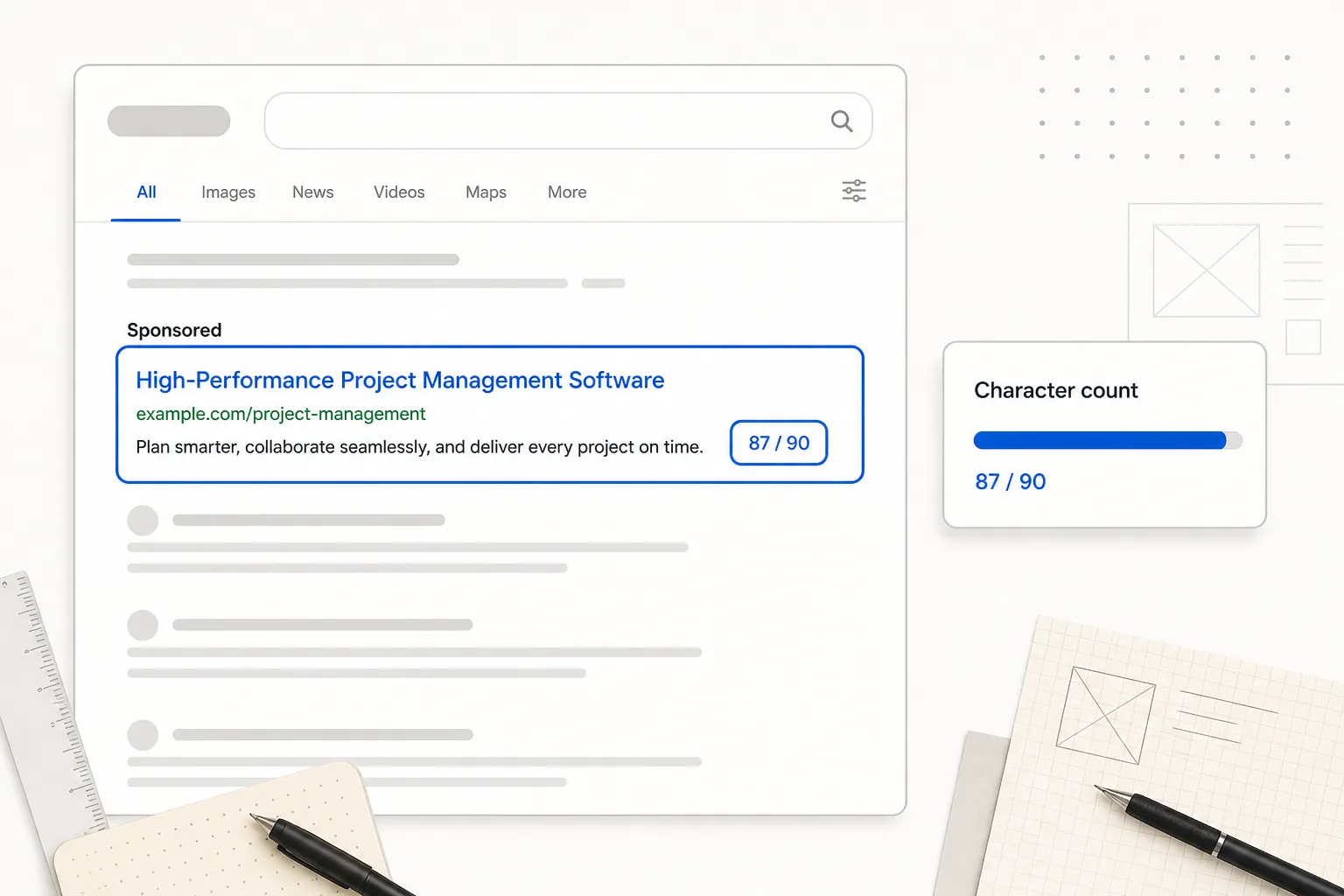
14 min read
90 characters is a brutal limit. Here's the formula PPC copywriters use to fit a value prop, social proof, and CTA without the last-minute panic rewrite.
Read article →


