



TikTok in-feed ad text cutoff: the 100-character trap
TikTok in-feed ads hard-cap your description at 100 characters - not the 4,000 you get organically. Here's exactly where the fold hits, what the safe zone is, and how to…
 By Anirudha Published Updated
TL;DR
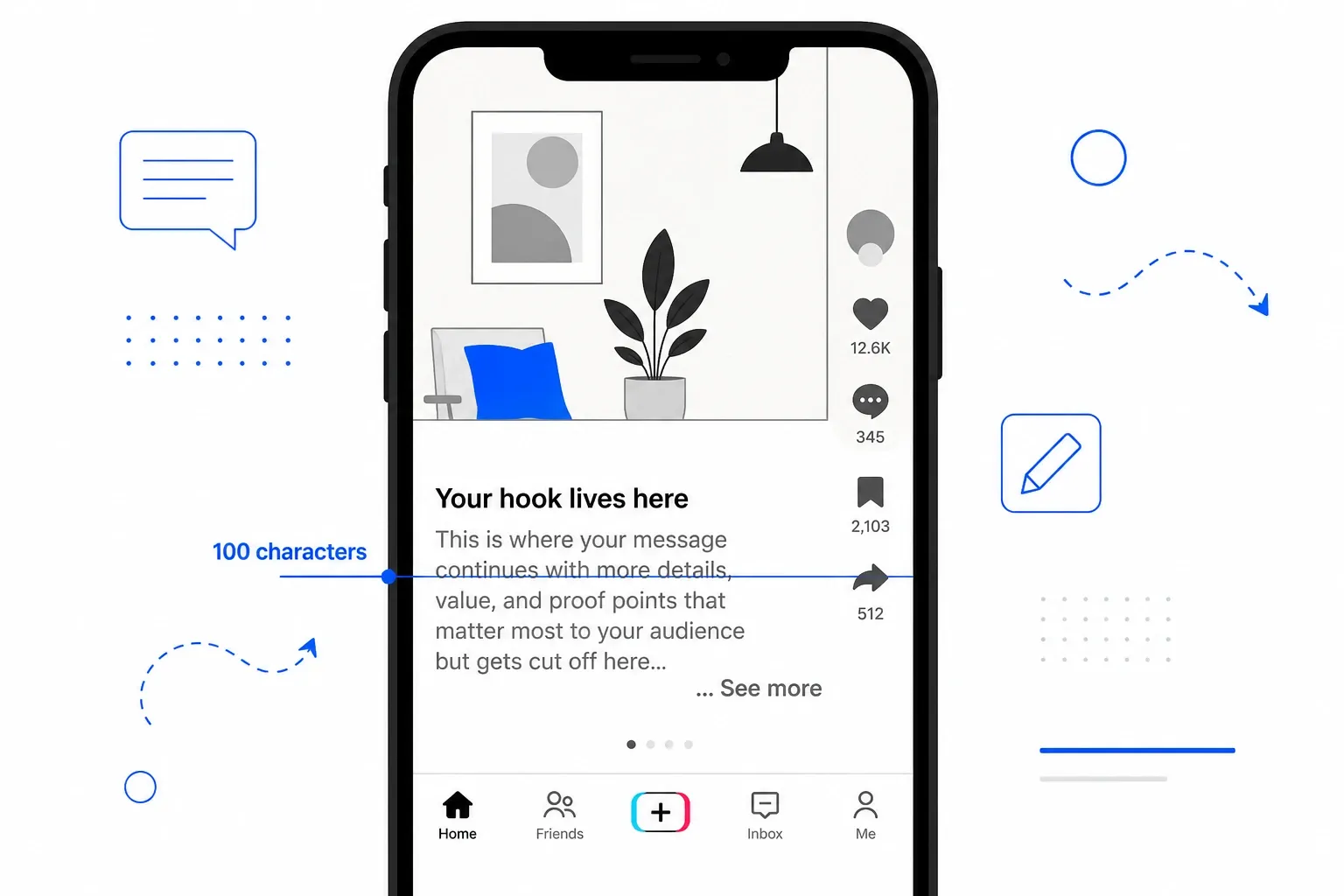
TikTok’s organic posts allow up to 4,000 characters. TikTok in-feed ads give you 100. That’s the hard cap the ads manager enforces - not a soft display fold, a real limit. Within that 100, the fold actually hits at the first line break or around the 100-character mark, so any CTA or discount code you placed after your opening line is almost certainly invisible to every user who doesn’t tap “See more.” The fix is to front-load your hook, value prop, and CTA into the first 50 to 70 characters - what I call the safe zone - and use a TikTok ad preview simulator to verify the fold before you put money behind it.
Imagine this: you spend a week crafting a TikTok ad for a flash sale. The creative is sharp, the targeting is dialled in, and the spend is real - $500, $1,000, maybe more. The ad gets impressions. The video plays. But conversions are flat.
You pull the ad and re-read the description. Your hook is in the first line. Your value proposition fills the second. Your promo code - FLASH30 - sits in the third line. The third line that nobody sees.
This scenario plays out constantly in TikTok ad accounts. Media buyers write copy as if TikTok ads behave like the organic posts they see every day. They don’t. The TikTok in-feed ad text character limit cutoff is one of the most quietly expensive mistakes in performance marketing, and the platform is not going to warn you about it when you’re writing the description in Ads Manager.
The promo code is already behind “See more.” It was always behind “See more.” You just didn’t know until after you’d spent.
Here’s what confuses most advertisers the first time they set up a TikTok campaign.
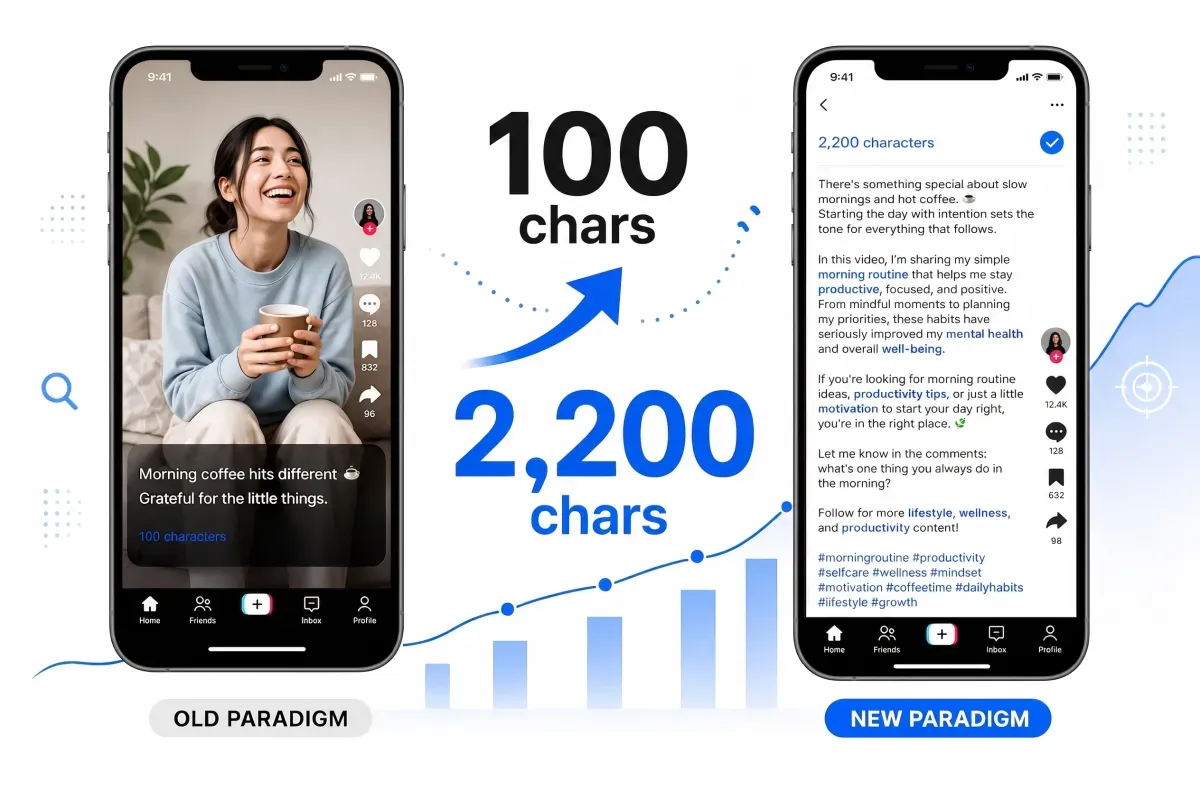
When you post organically on TikTok, you get a generous 4,000-character limit for your caption (2,200 if you post through the API or a scheduler). That’s well beyond what Instagram gives you, and most of the time it’s far more space than any creator actually needs. Yes, TikTok still folds the caption at the first line break or around 100 characters on the viewer side - but you have room to breathe.
When you create a non-Spark in-feed ad through TikTok Ads Manager, the description field is a different product. The platform enforces a 100-character hard cap at the point of entry. You literally cannot type past 100 characters. The field stops accepting input.
That 4,000-character idea you had in your head? It doesn’t exist in native ads. You get 100 characters. That’s your entire written message.
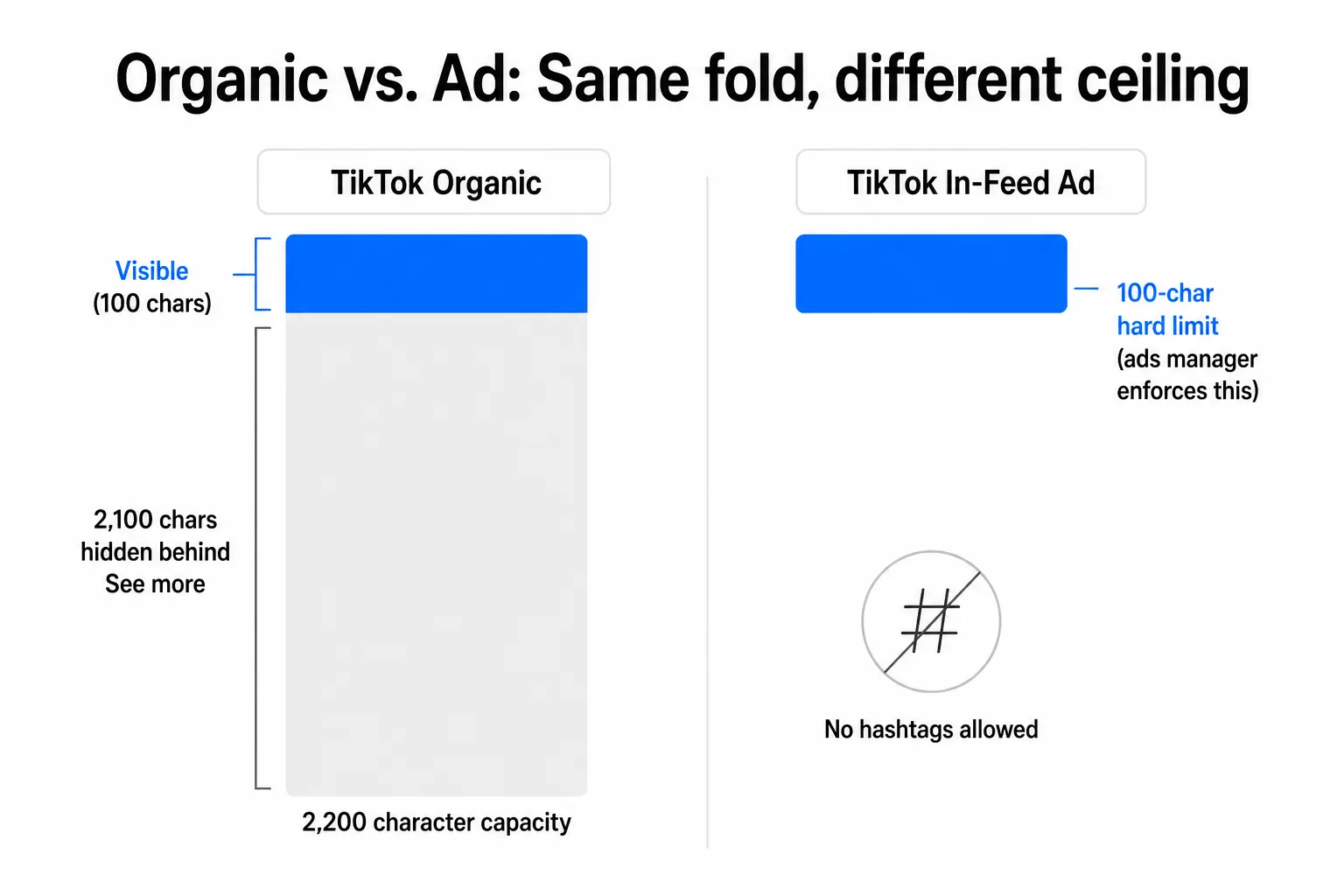
Organic vs. in-feed ad text limit comparison: 4,000 characters for organic posts, 100-character hard cap for native ads - same visible fold, completely different ceiling
And there’s a second restriction that catches people off guard: hashtags are blocked in the native ad description field. You can’t include #sale or #skincare In your ad copy. If hashtag discovery matters to your strategy, the only path is Spark Ads - where you post organically first and promote the existing post, inheriting its full text and hashtag formatting. It’s a real workaround, but it requires a different workflow entirely.
How the truncation actually works
Even within the 100-character limit, you don’t reliably get all 100 characters in front of every viewer. Here’s why.
TikTok collapses the caption at the first line break or approximately 100 characters, whichever comes first. On the full-screen vertical video interface, the caption sits below the video’s lower edge, compressed against the username, music ticker, and CTA button. There’s very little room before the ”… See more” label appears.
This means:
- A single hard return in your ad description triggers the fold immediately, regardless of how few characters you’ve used
- Emojis count as full characters toward the 100-character limit
- The CTA button (Shop Now, Learn More, etc.) is separate from the description and doesn’t count against the limit, but it also can’t replace the persuasive copy you lost to the fold
The practical consequence is brutal: your ad description is often only 1 to 3 visible lines for the average viewer scrolling through their feed. If your primary CTA, price, discount code, or value proposition isn’t in those lines, it doesn’t exist as far as most of your audience is concerned.
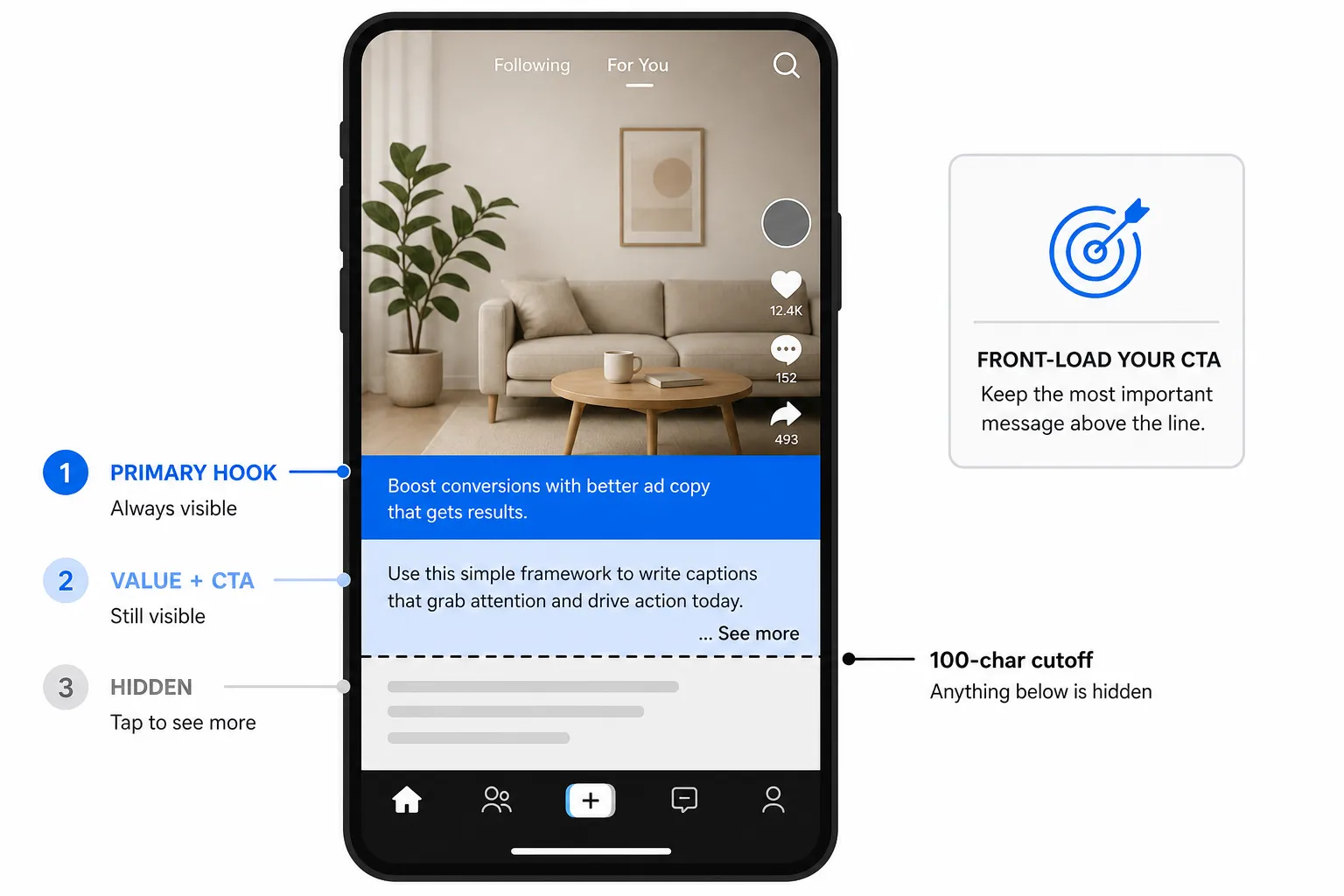
TikTok in-feed ad safe zone diagram: the first 50-70 characters are always visible (primary hook zone), characters 70-100 are conditionally visible, and anything past the fold is hidden behind See more
Defining your safe zone: 50 to 70 characters
When I built PostTruncate’s TikTok ad preview tool, I tested truncation behaviour across dozens of device sizes and orientations. What I consistently found: the first 50 to 70 characters of the description are visible to essentially every viewer, on every device, without exception.
That window - 50 to 70 characters - is your safe zone.
Everything you want 100% of your audience to see needs to live there. Your hook. Your core value proposition. Your CTA. Ideally, all three are compressed into a single punchy opening line.
After that safe zone, you enter a conditional band between roughly 70 and 100 characters. Some viewers on larger devices or in landscape-adjacent orientations will catch this text. Most won’t. Treat it as bonus real estate, not guaranteed visibility.
And then there’s the cliff: anything past 100 characters, or after the first hard line break, is hidden. Period.
“Plan for 100 characters as the effective limit, not the theoretical 4,000. Treat the description field like a headline or first line of an email subject: make it count.”
This is exactly right. The mental model shift is from “ad caption” to “subject line.” You’re not writing copy. You’re writing a headline.
Given the constraints, here’s how I’d approach writing TikTok ad copy from scratch:
Layer 1 - The safe zone (0-70 characters): everything critical
Your first line has to carry the full weight of your message. One tightly written sentence that combines hook + value + action. Examples:
Get 30% off today only - FLASH30 at checkout(44 chars)New product drop. Free shipping on all orders(46 chars)The skincare routine that worked in 30 days(44 chars)
All three hook immediately, communicate value, and fit well inside the 70-character safe zone. None of them needs a “See more” tap to do their job.
Layer 2 - The conditional band (70-100 characters): reinforcement
If your safe zone line is short enough, you have a few characters left before the 100-character wall. Use them to reinforce - add a secondary detail, an urgency signal, or a qualifier. Don’t introduce the CTA here for the first time. This band is unreliable.
Layer 3 - The CTA button: your second CTA
The CTA button (Shop Now, Learn More, Sign Up) sits outside the description field entirely. It doesn’t count against your 100 characters, and it’s always visible. This is where your explicit action prompt can live - but it works best as a reinforcement of a CTA already stated in the safe zone, not as the first mention of it.
The mistake I see most often: media buyers rely on the CTA button as their primary action driver and use the description for storytelling. On a platform where the description is nearly invisible and the video carries most of the creative load, that’s the right instinct for some campaigns - but if you have a promo code, a specific offer, or a time-sensitive element, it needs to be in the description’s first 70 characters. CTA buttons can’t display custom text like FLASH30.
This is also where the PostTruncate platform limits reference is useful - it shows you exactly how TikTok’s fold compares to the other platforms you’re running on, so you can adapt the same core message intelligently rather than just shortening it blindly.
The pre-flight check: simulate before you spend
This is the step most media buyers skip because they assume they know what their ad will look like. They don’t - or at least, they can’t know without actually simulating it.
TikTok’s native ads manager gives you a preview mode, but it doesn’t isolate the description truncation the way a dedicated simulator does. You’re looking at a full ad preview with creative, sound, overlays, and CTA button - a lot of visual noise around the one thing you need to check: does your text survive the fold?
The TikTok ad preview tool on PostTruncate solves this directly. Paste your description, and the simulator shows:
- The 100-character cutoff point with a clear visual fold line
- The ”… See more” affordance is exactly where TikTok renders it
- The safe-zone overlay on the 9:16 video canvas, showing which parts of the frame are covered by TikTok’s UI elements (username bar, music ticker, engagement icons)
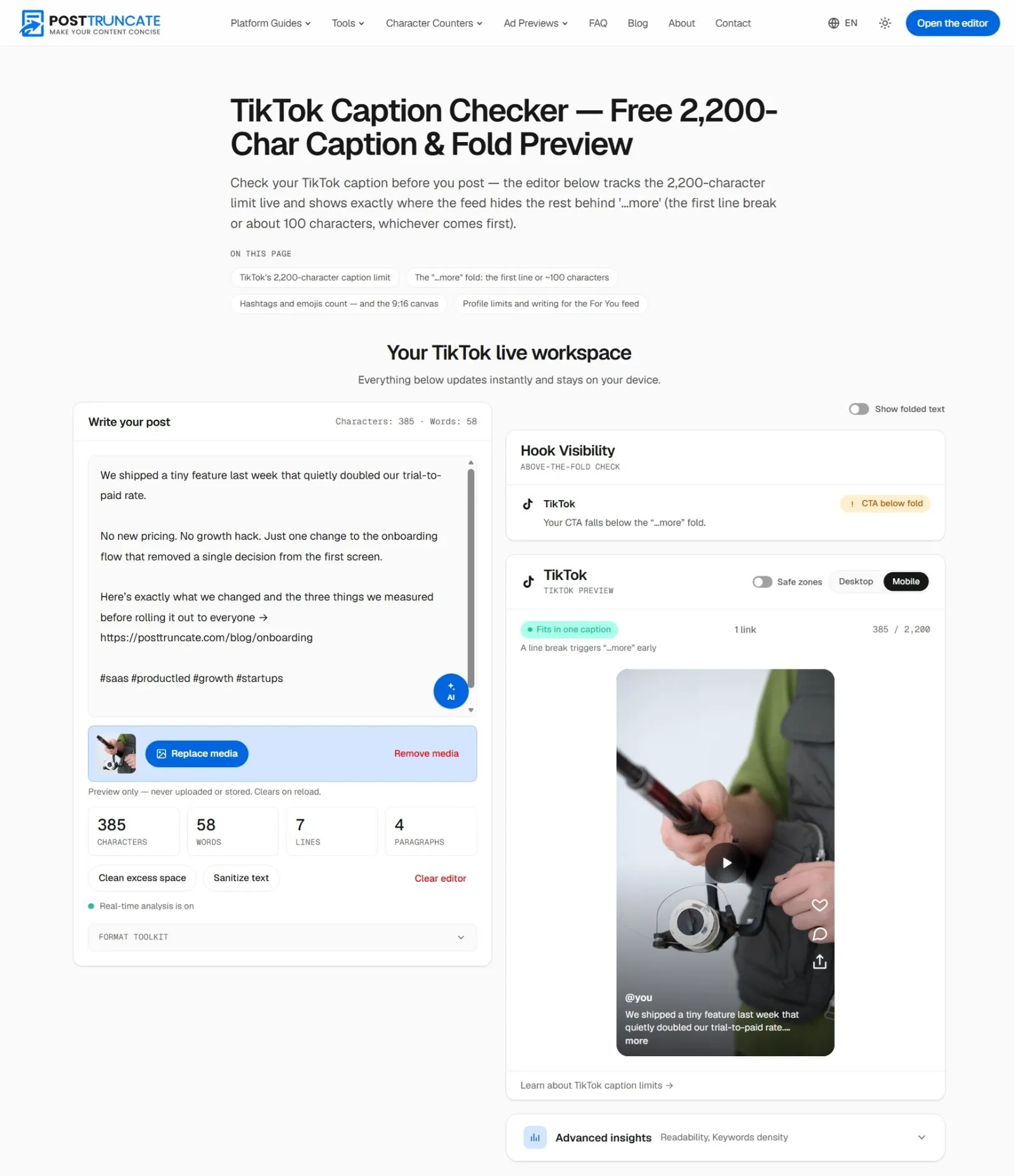
PostTruncate TikTok ad preview simulator - showing the 100-character description fold and safe-zone overlays on the 9:16 video canvas
Nothing is uploaded or stored - the preview runs entirely in your browser. No account needed.
I built this because I kept running into the same frustration: you shouldn’t need to spend $100 to discover that your discount code is invisible. The simulator is the pre-flight check that runs before the money leaves your account.
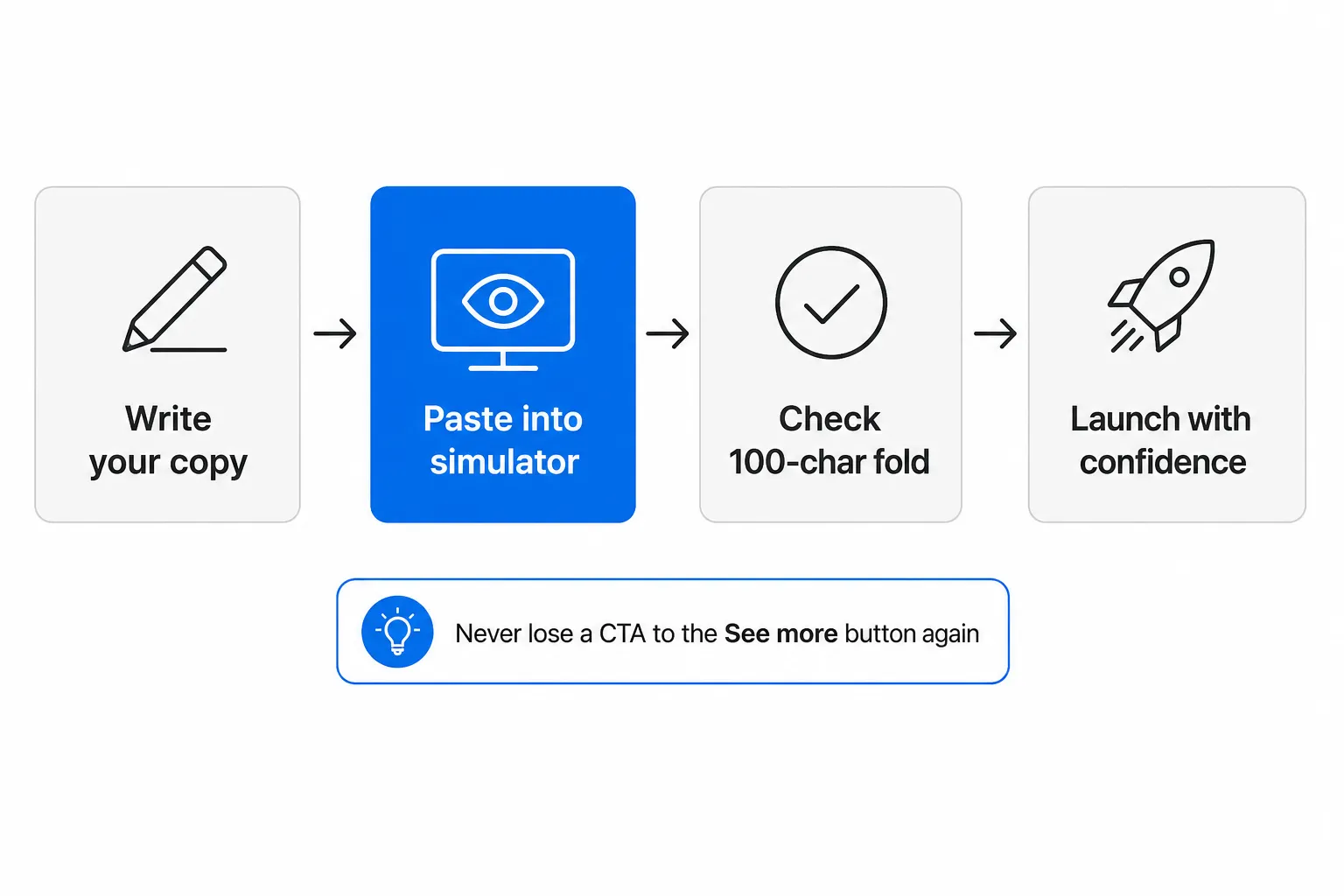
The 4-step TikTok ad copy pre-flight workflow: write your copy, paste into the simulator, check the 100-character fold, then launch with confidence
The workflow is simple: write your ad copy, paste it into the simulator, verify the fold, adjust if needed, then launch. Four steps. The one that most media buyers skip is step 2 - and that’s usually the one that costs them.
To put TikTok’s in-feed ad limit in context, here’s how it sits against the other platforms you’re likely running on:
| Platform | Hard limit | Visible before fold | Notes |
|---|---|---|---|
| TikTok in-feed ad | 100 chars | ~70 chars (safe zone) | Hard cap enforced in Ads Manager; no hashtags |
| TikTok organic | 4,000 chars | ~100 chars | Folds at first line break or ~100 chars; 2,200 via API/schedulers |
| 2,200 chars | ~125 chars | Hashtags allowed; folds consistently | |
| Instagram Reels | 2,200 chars | ~55-60 chars (Reels tab) | Even tighter fold in the Reels discovery view |
| 63,206 chars | ~110 chars (mobile) | Massive ceiling, aggressive mobile fold | |
| 3,000 chars | ~140 chars (mobile) | Most generous fold; professional context | |
| X (Twitter) | 280 chars | No fold | No truncation; hard limit only |
The striking thing: TikTok in-feed ads are the most restrictive written format across the major social ad platforms by a significant margin. Instagram Reels comes close in the discovery tab, but it at least gives you 2,200 characters for the description itself. TikTok native ads cap you at 100 before you even get to the fold question.
If you’re running a cross-platform social strategy and adapting one piece of copy across TikTok, Instagram, and Facebook simultaneously, TikTok’s 100-character limit should be your constraint anchor. Write for TikTok first, then expand outward. Everything that fits in TikTok’s window will survive the fold on every other platform.
PostTruncate’s TikTok ad preview tool is the fastest way to verify your ad copy before it costs you anything. Paste your description, see the fold, adjust if the CTA is buried, and launch with confidence.
The TikTok character counter gives you live character counts as you write, and the platform limits reference keeps every fold point across all six major platforms in one place - useful when you’re adapting copy across channels.
If your next TikTok ad has a promo code, a price, a discount, or any specific call to action, run it through the simulator before you spend. Thirty seconds of checking is a lot cheaper than discovering the cutoff at $500.
FAQs
What is the TikTok in-feed ad text character limit?
TikTok's ads manager enforces a **100-character limit** on the description field for non-Spark in-feed ads. This is the hard cap the platform applies at creation time - not just a display fold. Organic TikTok captions allow up to 4,000 characters (2,200 via the API or a scheduler), but ads are a different product with a much tighter ceiling. Use the [PostTruncate TikTok ad preview simulator](/en/ad-previews/tiktok-ads/) to see exactly where your text cuts off before you spend.
Why does my TikTok ad description get cut off?
TikTok in-feed ads truncate the description at approximately **100 characters or the first line break**, whichever comes first. The platform then appends an unclickable "... See more" label. Because TikTok is a fast-scrolling, full-screen video experience, the vast majority of viewers never tap to expand - so anything past the cutoff is effectively invisible. The [TikTok caption checker](/en/tiktok-caption-checker/) on PostTruncate shows you the fold in real time as you type.
What is the safe zone for TikTok ad captions?
The **safe zone** is the first 50 to 70 characters of your ad description - the portion that is visible to 100% of scrolling users on every device, before the line risks wrapping or getting pushed toward the truncation boundary. Your primary hook, value proposition, and CTA should all fit within this window. Anything after the 100-character mark is hidden behind "See more" and will only be read by users who actively tap to expand.
Can I use hashtags in TikTok in-feed ad descriptions?
**No - TikTok's ads manager blocks hashtags in the native in-feed ad description field.** If hashtag visibility is important to your strategy, the workaround is to post the content organically first and then promote it as a [Spark Ad](https://ads.tiktok.com/help/article/spark-ads). Spark Ads inherit the full text, hashtags, and formatting of the original organic post, bypassing the 100-character restriction.
How do I preview my TikTok ad text before spending money?
Use the [TikTok ad preview tool on PostTruncate.com](/en/ad-previews/tiktok-ads/). Paste your description, and the simulator shows you exactly where the 100-character cutoff lands - including the "See more" fold and the safe-zone overlay for the 9:16 video canvas. Everything runs in your browser; nothing is uploaded or stored. It's free and works without an account.


Join the discussion
Comments are reviewed before they appear, so yours won’t show up right away.